For university students · macOS

Built for the
way you study.

Atlas keeps your lecture notes, course material, timetable and focus time in one window — running entirely on your Mac, with nothing to sign up for.

Free · Apple Silicon · No account, no sync, no telemetry

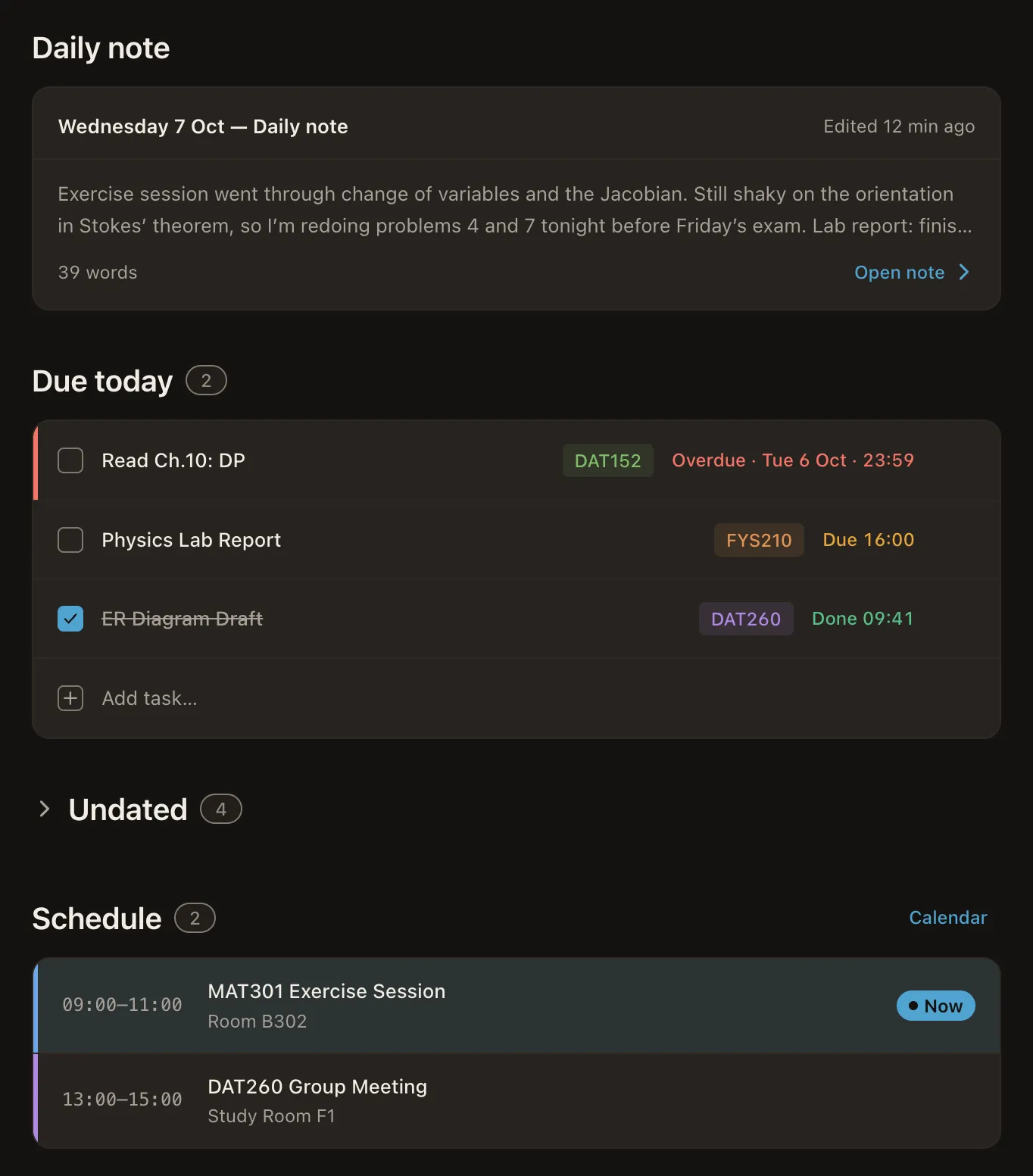
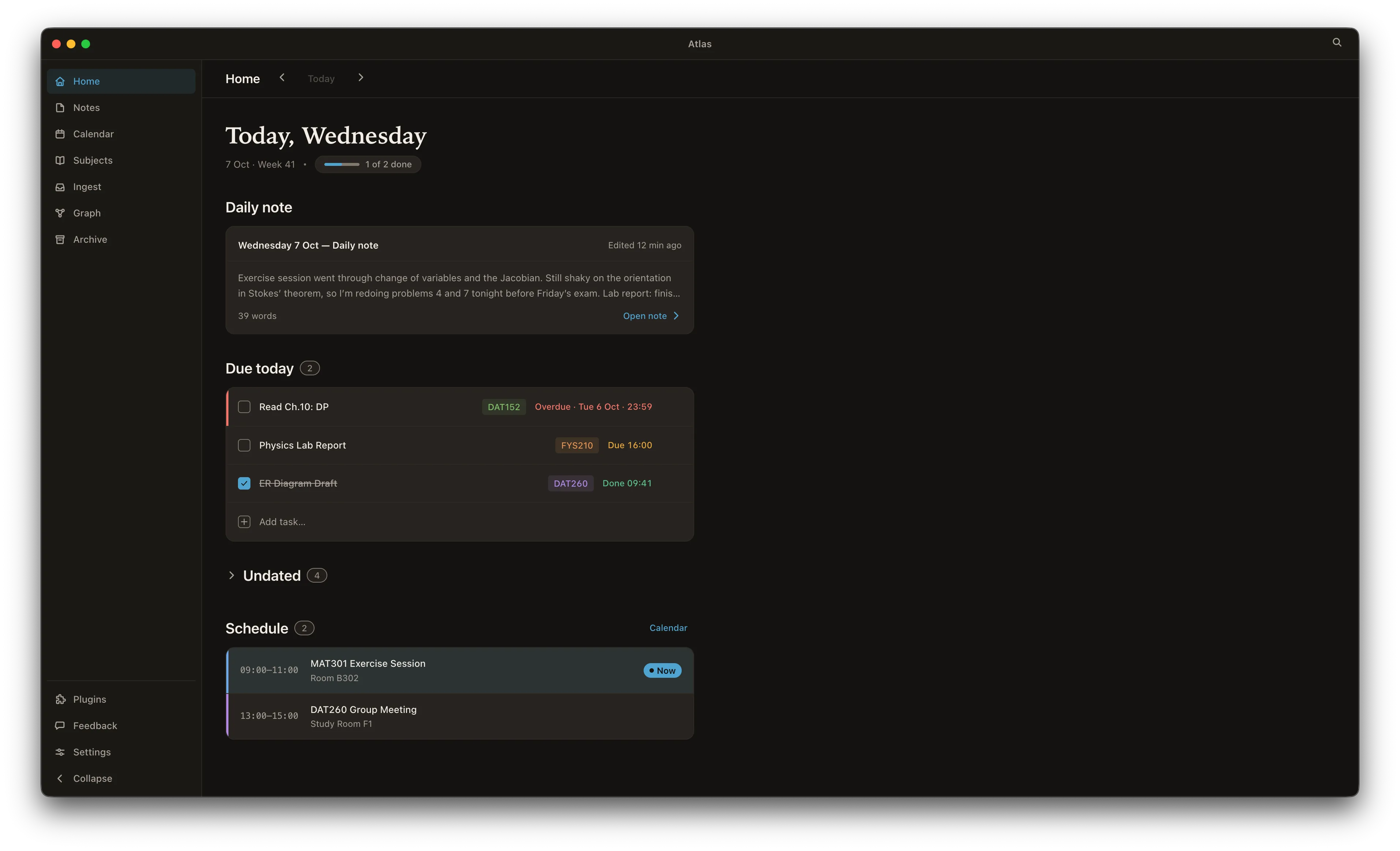
The Atlas Home view on macOS: today's date header with a progress pill, a daily note, a due-today task list with quick-add, and today's classes.

Lecture notes that do the maths

Write notes in plain markdown and read them back fully rendered — equations typeset with real math (KaTeX), syntax-highlighted code blocks and proper tables, all offline. Exactly what STEM courses need, and your notes stay as .md files you own.
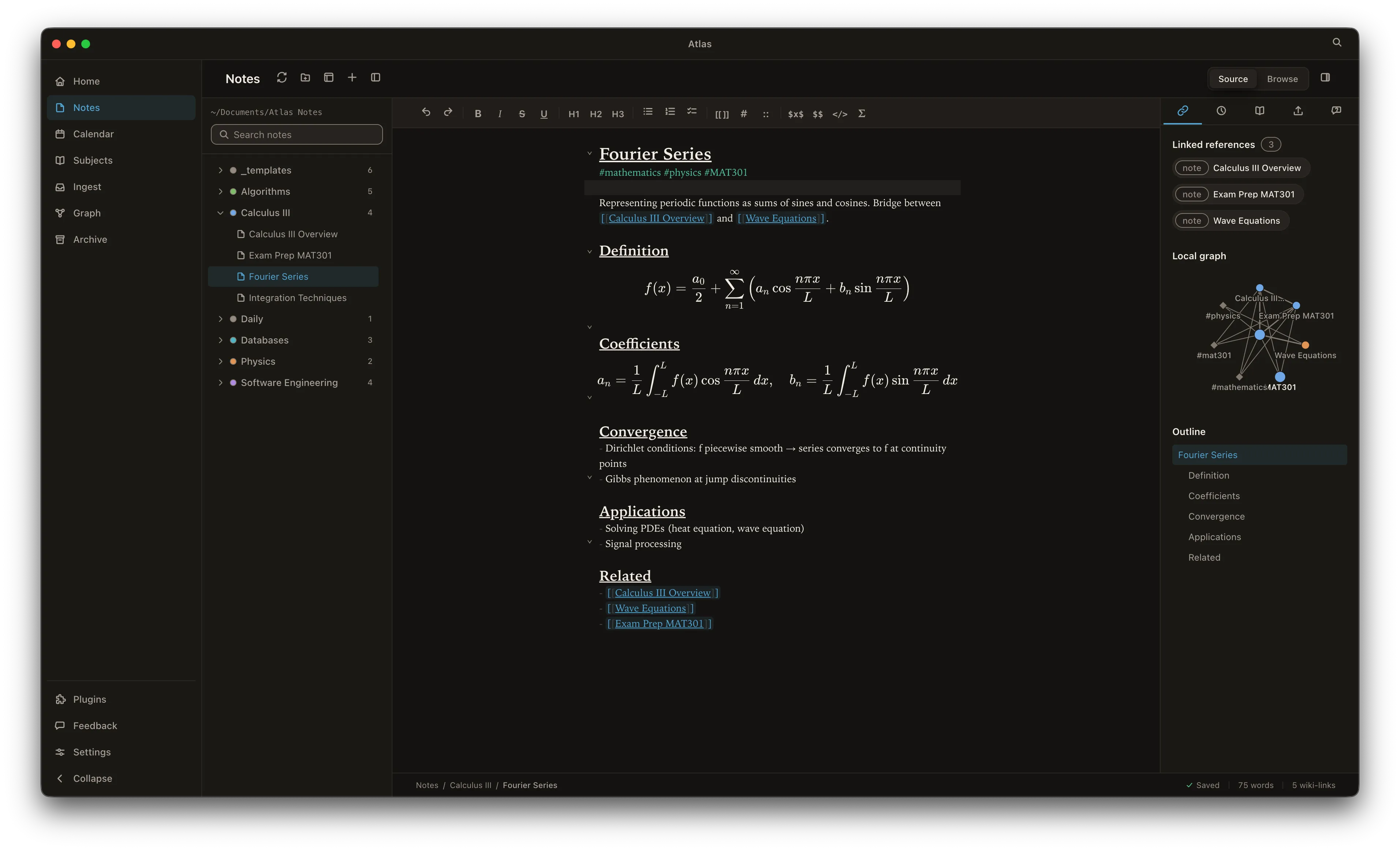
The Atlas notes editor: a markdown note beside a live rendered preview with typeset equations and the folder tree on the left.

Turn the course material into notes

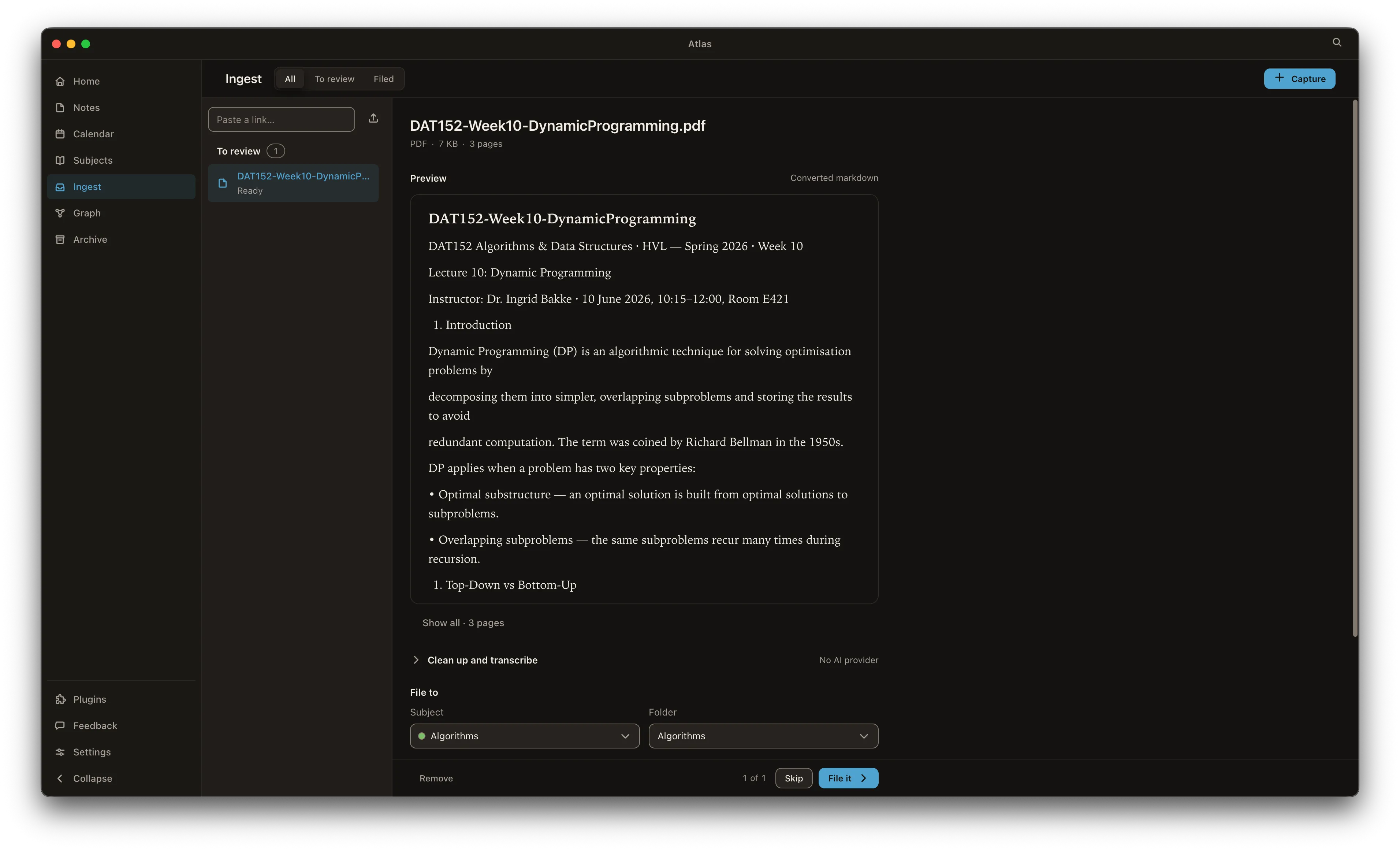
Drag in lecture PDFs, slides, photos of the whiteboard or a recording of the seminar. Atlas converts documents to markdown, reads images with on-device OCR and transcribes audio on-device — so the reading list becomes notes you can actually search and link.

Atlas Ingest converting a lecture PDF into clean markdown, with the cleanup options shown.

Your timetable, always current

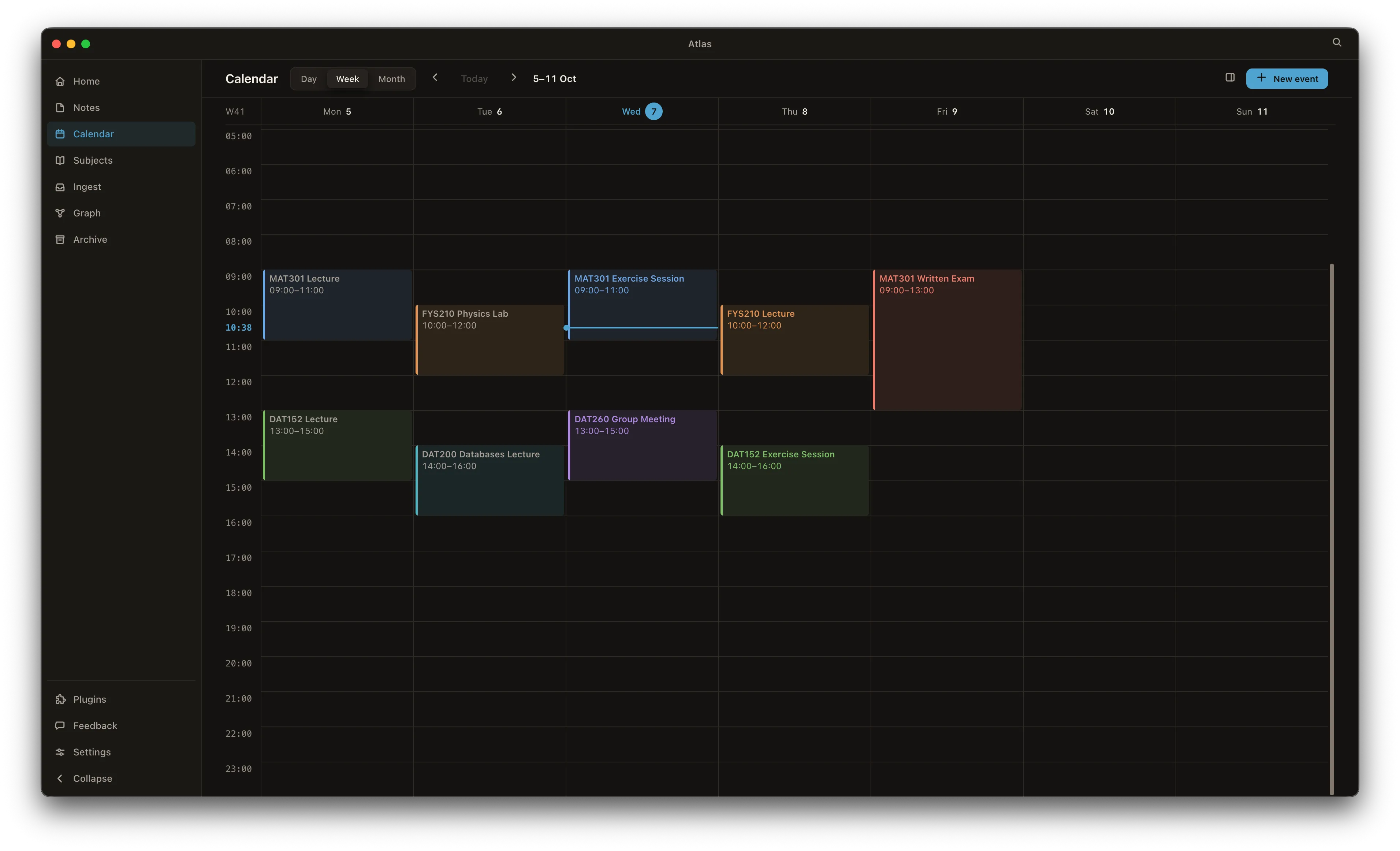
Subscribe to your university timetable as a calendar feed (ICS) and it refreshes itself, so every lecture and lab lands on the same weekly grid as your own tasks. No copying class times across by hand each term.

The Atlas calendar listing upcoming class events, with the timetable subscription and calendar sync controls.

Show up for today, not the whole term

Home opens on today: your daily note, the tasks and assignments due — overdue first, then due today — with a quick-add for anything new, and today’s lectures and labs on the same screen. A progress pill tracks how much of the day is done.

The Atlas Home view for today: date header with a progress pill, today’s due tasks with inline quick-add, and the day’s classes below.

One connected map per subject

Every [[wiki-link]], tag and mention you write becomes an edge in a graph of your notes, subjects and tasks — so a whole course connects up as you go, and revision is just following the threads. See the graph →

Start the term with Atlas

Download for macOS

Free · macOS on Apple Silicon